Step 1. Click the Sparks tab then select the machines you want to edit

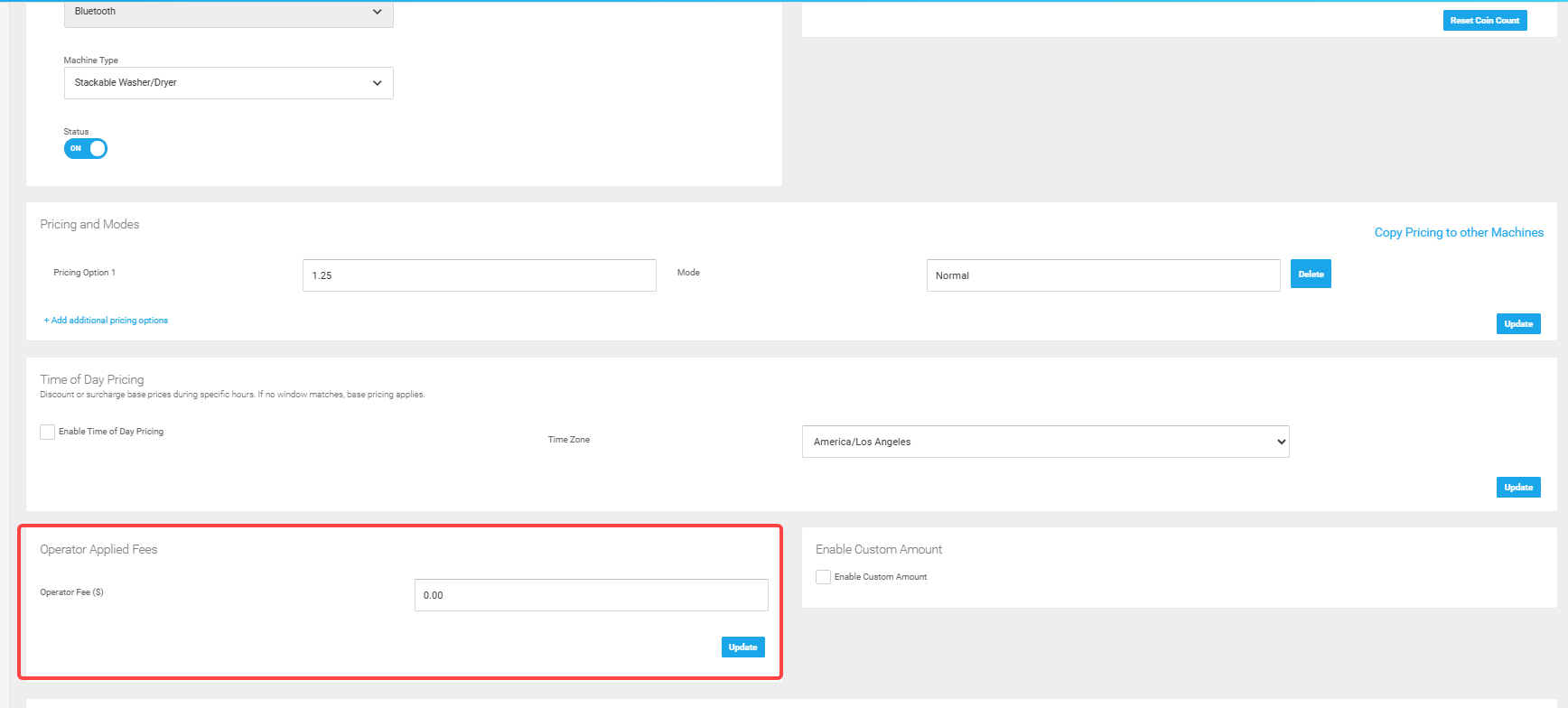
Step 2. Edit the pricing field and optional mode field and you're finished. To add multiple pricing modes follow steps 3 on.
 Step 3. To add a new pricing option, tap the link '+Add additional pricing options'

Step 4. Fill out the price and mode name

Step 5. Click update and your new pricing scheme is complete.


Convenience Fee (OPTIONAL)
The convenience fee is an additional fee that the end-user pays, which can be layered on top of the standard App Price.
You can add the convenience fee amount in the "Operator Applied Fees" Section.